

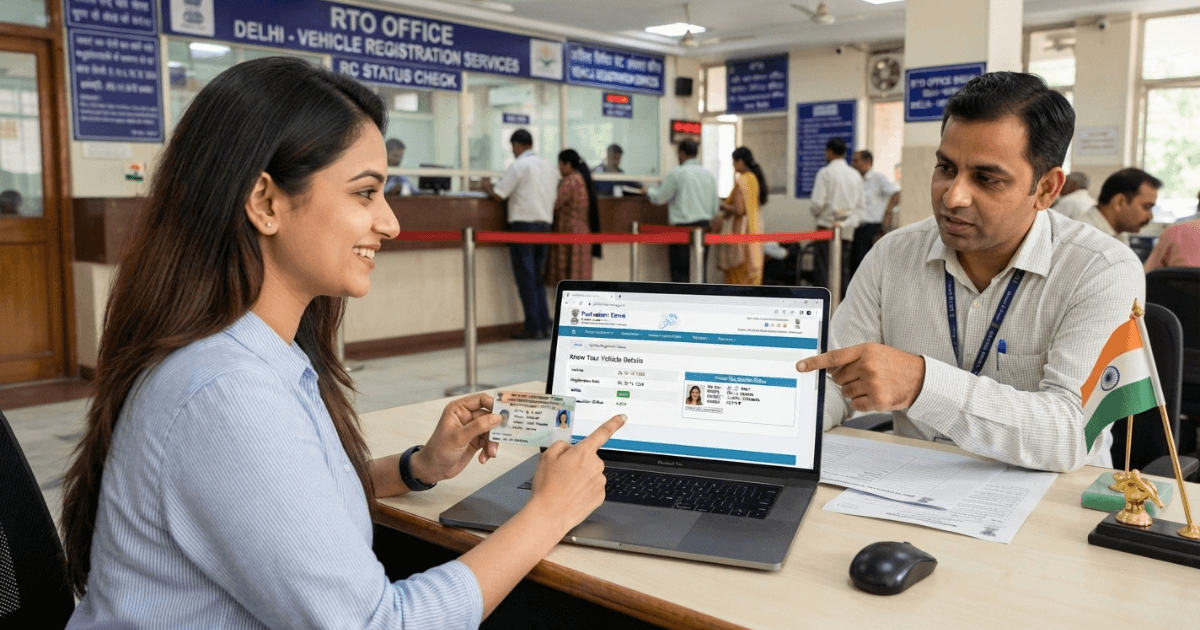
A few years ago, I almost paid for a used car without checking its papers, and that near-miss taught me why every buyer should run an RC check first. Today, vehicle owners across India can view RC details online in minutes instead of waiting in a queue at the RTO office. If you want to know how to check RC online, this guide covers every method in plain, simple steps.
Your Registration Certificate, or RC, holds the registration information that proves who owns a vehicle and what kind of vehicle it is. The government runs the VAHAN 4.0 Citizen Services portal, while private tools like VahanX RC Search and Nxcar RC Check Punjab offer a quick vehicle-information lookup. Learning how to check RC online helps you confirm ownership details, insurance status, registration validity and hypothecation information before you trust any vehicle.
What Is an RC and Why Does It Matter?
The transport authority issues it, and it lists the registration number, vehicle make, vehicle model, registration date, fuel type, engine information and chassis information. It also carries RTO details, insurance information and PUC information to prove vehicle ownership.
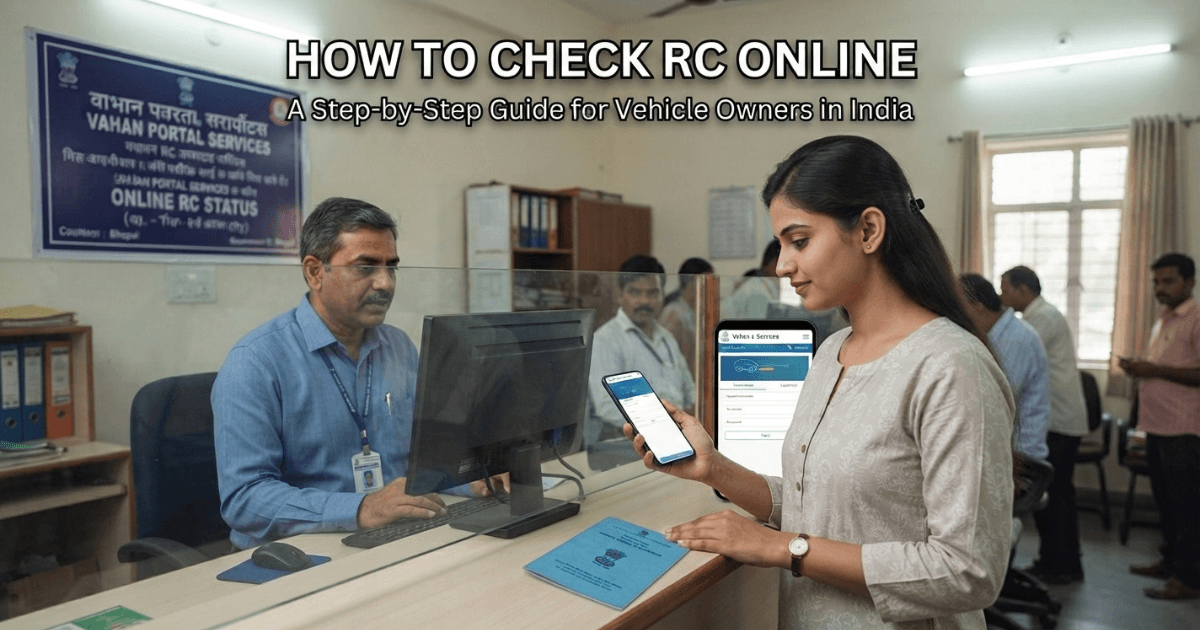
The Government of India offers VAHAN Print RC as an online facility inside its VAHAN 4.0 platform. Nxcar focuses on any Punjab-registered vehicle, while VahanX covers cars, motorcycles, scooters and commercial vehicles across India. Once you understand how to check RC online, you can pick the right tool for your need in seconds.
How to Check RC Online: Step-by-Step Methods
I have tried every route, three government ones and two private ones. Below, I explain how to check RC online through each route.
Method 1: Use the Official VAHAN Service to Confirm Your RC
The VAHAN Print RC page asks for only two things: your Registration Number and the last five characters of your Chassis Number. Keep both handy before you start, because the system uses them to validate vehicle details.
- Step 1: Open the VAHAN 4.0 Citizen Services website, which the Ministry of Road Transport and Highways runs.
- Step 2: Open the Print Registration Certificate section.
- Step 3: Type your registration number carefully.
- Step 4: Enter the last five chassis characters.
- Step 5: Click Validate Information.
- Step 6: Finish the OTP Verification, as the process varies by state
- Step 7: Follow the on-screen instructions and finish your RC printing.
Method 2: Check RC Through the Parivahan Sewa Website
The Parivahan Sewa website offers the most reliable government route. Go to Online Services, pick Vehicle Related Services, choose your state, enter your vehicle registration number and verification details, and submit the search. You can then download or print your details wherever the service allows it.
Method 3: Check RC Through the mParivahan App
The mParivahan mobile application suits people who prefer a phone over a laptop. For anyone wondering how to check RC online on the go, it returns results in seconds. You can also store a digital copy of your RC in DigiLocker where your state supports it.
Private Platforms: Nxcar and VahanX
The Nxcar RC Check service works for numbers that start with PB. You add your phone number, finish the OTP, and review a verification report with owner information, hypothecation information, registration validity and insurance status.
On the VahanX website, you type a number such as GJ01AB1234 and hit Search. The results can show owner details, make and model, registration date, fuel type, insurance expiry and PUC status. Keep in mind that data-access rules limit how much any private site can show you.
What Information Can You Check From an RC?
When you follow how to check RC online properly, a typical RC verification report shows owner details, vehicle class, color, seating capacity, cubic capacity and manufacturing details. It also covers registration details such as the registering RTO, RTO code and registration validity. The fuel type tells you whether the vehicle runs on petrol, diesel, CNG or electric power.
Insurance details may include insurer information, policy details and insurance validity. PUC information relates to Pollution Under Control, and PUC validity matters for vehicle compliance. I still call the insurer before buying, since online data can lag.
Hypothecation tells you whether a bank or financial institution holds a claim on a financed vehicle. Make sure the seller has closed the loan, handed over the NOC, and finished the hypothecation-termination process before you pay. Privacy restrictions stop honest tools from showing a private address.
Understanding Vehicle Registration Numbers
Indian vehicle registration numbers follow a simple pattern: SS DD LL NNNN. In GJ 01 AB 1234, GJ shows the state code, 01 marks the RTO office code, AB forms the registration series, and 1234 acts as the unique vehicle number.
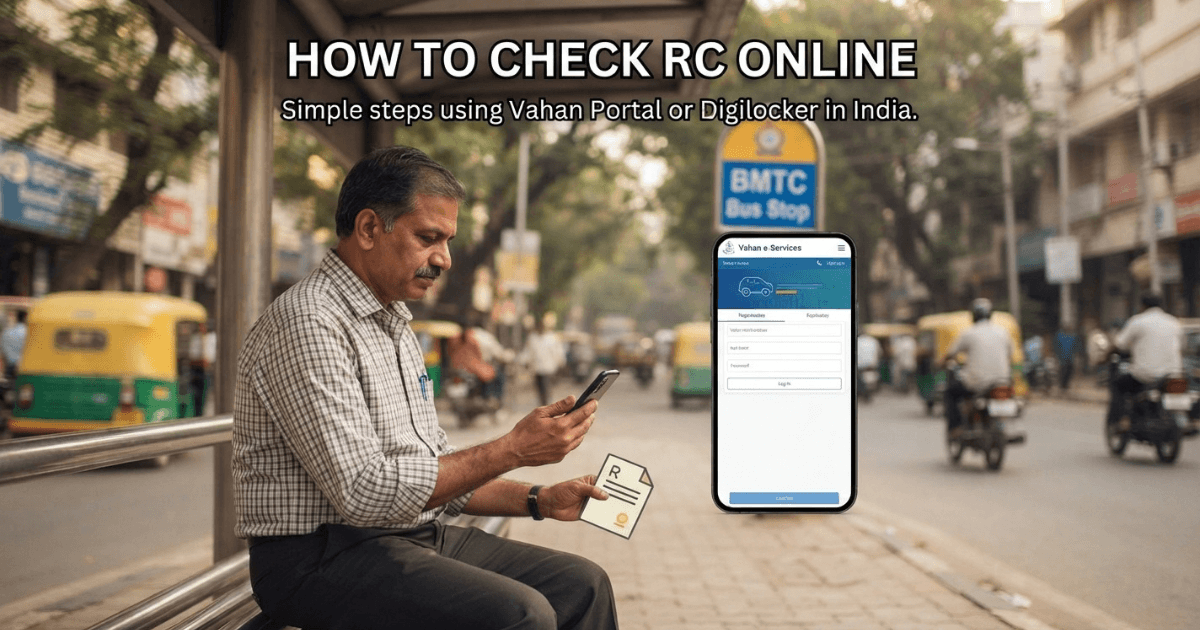
Vehicles from Punjab carry the PB code. A few examples include PB-10 for Ludhiana, PB-11 for Patiala, PB-12 for Ropar and PB-65 for SAS Nagar or Mohali.
Used Car Shopping? Start by Scrutinizing the Registration Certificate
I never hand over money for a used car until I check its RC. A proper check confirms the registered owner, proves the seller holds the legal right to sell, and flags ownership issues early. It also confirms vehicle identity, because the registration, chassis and engine information must match the car.
Knowing how to check RC online lowers your fraud risk and catches discrepancies before money changes hands. It also helps with insurance monitoring and PUC verification for cars you already own.
RC Check for Used Cars: What to Compare
Compare the registration number, owner details, engine number, chassis number, vehicle model, fuel type and registration date. Also match the insurance status, hypothecation status, physical number plate, RC document and PUC certificate.
Still, an RC search cannot reveal the mechanical condition or accident history of a car. That is why I always book a professional inspection, a PDI, and review the service history before I pay. Knowing how to check RC online handles the paperwork, but your eyes and a mechanic handle the rest.
RC Mismatch Found? Here’s How to Handle It
If the RC details do not match the vehicle or its documents, stop the purchase right away. Watch for red flags: the seller’s name differs from the registered owner, or the chassis number or engine information looks different. Also stop if a loan still shows up or the insurance information looks odd.
Ask for supporting documentation and contact the RTO or transport authority. Treat every online RC search as one part of your used-vehicle due diligence.
RC Transfer and Transfer of Ownership
When you buy a used car or bike, you must move the RC to the new owner. On VAHAN, the seller starts the transfer-of-ownership application through the TO option, and then the buyer continues. After you learn how to check RC online, this step feels much easier because you already trust the record.
The usual RC transfer process runs like this:
- Verify the existing RC against the physical vehicle.
- Confirm loan closure if the car carried a loan.
- Prepare transfer documents, transfer forms, insurance, identity documents and address documents.
- Submit the application to the transport authority or online.
- Let the RTO complete verification and update the registration record.
Official Portals vs Private Platforms
VAHAN and Parivahan Sewa belong to the Government of India under the Ministry of Road Transport and Highways. I only trust the Parivahan/VAHAN domain for official transport transactions.
Nxcar runs a private vehicle platform, and VahanX works as a private vehicle-information platform. Both help people who search how to check RC online for quick lookups, but neither counts as an official government website. For ownership transfer, RC changes and other official transactions, use Parivahan or your state transport service.
Is RC Check Free?
VahanX RC Search says its tool is free to use, and you can search without creating an account. Nxcar makes no blanket promise that every RC-related service stays free, so read its terms first. In my view, Parivahan gives the best free answer to how to check RC online, though government services may charge fees for some applications.
VAHAN RC Print vs Duplicate RC
Many people mix up VAHAN RC Print with a Duplicate RC. Print Registration Certificate lets you print your existing record, while a Duplicate RC replaces a lost, damaged or destroyed original Registration Certificate. The duplicate process needs an OTP, fee payment, a document upload and sometimes an appointment under Basic Services.
Safe Ways to Verify an RC Online
Use only the official VAHAN website or official government channels, and type the registration number exactly as your vehicle documents show it. Never share OTPs with anyone, and save or print your document only after verification succeeds. These habits make how to check RC online quick, safe and stress-free.
For a used-car purchase, match the chassis and engine details, check insurance validity, PUC validity and any outstanding finance, and investigate every ownership mismatch. Then finish the ownership-transfer process to avoid documentation problems.
Conclusion
Now you know how to check RC online through VAHAN, Parivahan Sewa, mParivahan and private tools like Nxcar and VahanX. The official route asks only for your Registration Number and Chassis Number, while private tools give quick lookups with owner details, insurance status and PUC details.
Still, treat any online check as one step in the vehicle-buying process. Physically inspect the car, finish your document verification, and complete the ownership transfer through an official process. Once you master how to check RC online, you will never buy a vehicle blind again.
FAQs
What is the easiest way to check RC online?
The easiest way uses the Parivahan Sewa website or the mParivahan app with your vehicle registration number. Both come from the government, so you get reliable vehicle information in minutes.
What details do I need to check RC online?
You need your vehicle registration number and the last five characters of your chassis number.
Is VAHAN an official government portal?
Yes. VAHAN 4.0 runs under the Ministry of Road Transport and Highways, Government of India.
Does an RC Check Reveal Hypothecation or Loan Details?
Yes, where the record holds that data. Many reports show hypothecation information and financier information, which helps you avoid buying a car with an unpaid loan.
Is Checking the RC Necessary Before Buying a Pre-Owned Car?
Yes, always. RC verification forms a key part of used-car due diligence, and knowing how to check RC online protects you from ownership issues and hidden discrepancies.